WhatsApp Clone
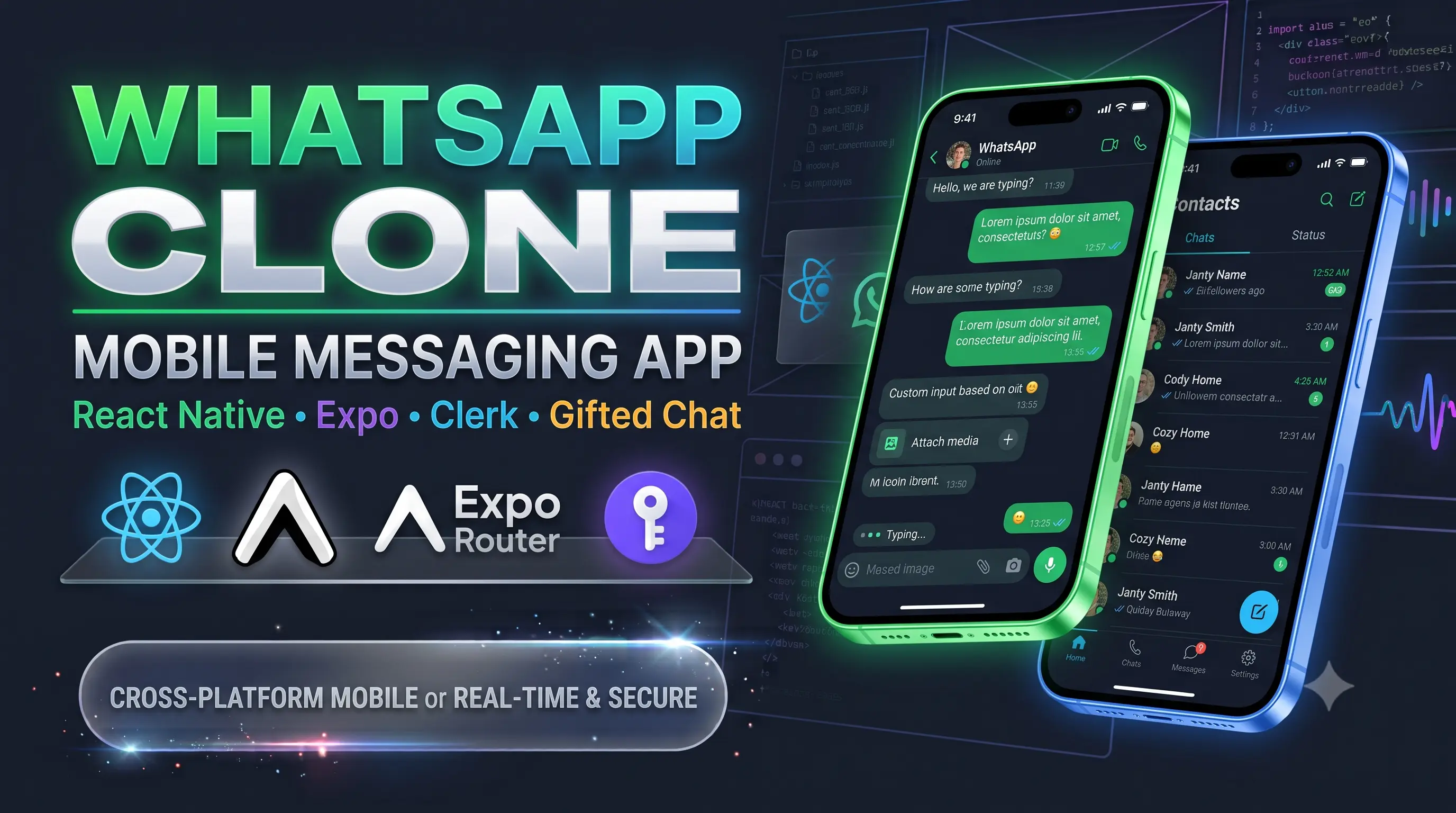
WhatsApp Clone is a cross-platform mobile messaging application that delivers a seamless chat experience with secure authentication, real-time conversations, contact management, and an intuitive mobile-first interface. Built with React Native, Expo, Expo Router, Clerk Authentication, and Gifted Chat.
Technical Case Study
Overview
A cross-platform mobile messaging application engineered with React Native and Expo, delivering a native chat experience modeled after WhatsApp. The app features phone/OAuth-based authentication, real-time message threading, native contact synchronization, and a mobile-optimized UI with fluid stack and tab navigation.
Key Features
- Mobile Authentication: Streamlined sign-in and sign-up flows using Clerk Auth, supporting secure phone verification, biometric-ready sessions, and social logins.
- Threaded Chat Interface: High-performance conversational UI powered by React Native Gifted Chat, featuring auto-scrolling message bubbles, timestamps, read indicators, and custom avatar rendering.
- File-Based Native Navigation: Fluid tab transitions, gesture-driven header animations, and modal overlays managed through Expo Router.
- Contact & Conversation Lists: Filterable contact discovery and recent chats overview displaying live snippets, unread badges, and status timestamps.
- Cross-Platform Parity: Pixel-perfect interface parity across iOS and Android with platform-aware keyboard avoidance and haptic feedback.
Tech Stack & Architecture
- Framework: React Native, Expo (Managed Workflow)
- Routing & Navigation: Expo Router (File-based routing)
- Authentication: Clerk Authentication (
@clerk/clerk-expo)
- Chat UI Engine: React Native Gifted Chat
- State & Data Handling: React Context / Hooks, AsyncStorage
- Styling & Assets: React Native StyleSheet, Lucide / Expo Vector Icons
Technical Challenges & Solutions
1. Keyboard Avoidance & Smooth Chat List Scrolling
- Challenge: Preventing input accessory clipping, awkward viewport jumps, and keyboard stutter across varying screen sizes and device notches on Android and iOS.
- Solution: Configured platform-tailored
KeyboardAvoidingViewoffsets combined with Gifted Chat's inverted FlatList architecture. This ensures bottom-anchored messaging where keyboard dismissal and presentation maintain the exact message scroll offset smoothly.
2. Session Persistence Across Native App Lifecycles
- Challenge: Maintaining valid authentication tokens and uninterrupted user state during app backgrounding, cold starts, and device restarts.
- Solution: Integrated Clerk's secure token cache provider with
expo-secure-store, ensuring biometric/encrypted device-level storage of JWTs without blocking the initial splash screen mount.
Key Takeaways
Demonstrates end-to-end mobile development proficiency: building production-grade native interfaces, managing complex mobile viewports and keyboard interactions, and integrating third-party authentication solutions within the modern Expo ecosystem.